Home › Looking for a Canva Alternative for Tip Menus?
ComparisonCanva is a genuinely good design tool — this page isn’t going to pretend otherwise. But building a priced menu in it means building the layout yourself. Here’s an honest comparison, including the cases where you should stay in Canva.
Open the free editor → Browse 114 templates
Every template below is pre-filled and free to edit — change the words, the prices and the photo, then download it.
Canva gives you a blank canvas and every tool you could want. That flexibility is its strength, and for most design jobs it’s the right answer.
A tip menu, though, is not really a design problem. It’s a structured document that happens to be an image: sections, and inside each section a repeating row of item, description and price. The design is the easy part. Keeping thirty rows aligned while you add, delete and reprice them is the tedious part — and that is exactly the part a general canvas doesn’t help with, because it has no idea your text boxes are a price list.
That’s the whole difference. Everything below follows from it.
| Canva | OnlyMenuMaker | |
|---|---|---|
| Starting point | Generic templates; menu layout is yours to build | 114 templates already laid out as priced menus |
| Items and prices | You write every row from scratch | Pre-filled with realistic items and prices to edit |
| Adding or removing a row | Duplicate the text boxes, then realign | One button; spacing stays correct |
| Design freedom | Total — anything you can imagine | Within the template’s structure |
| Stock photos, fonts, graphics | Enormous library | Your own photo plus a small clipart set |
| Other content (posts, banners, thumbnails) | Yes, all of it | Tip menus only |
| Brand kit and team sharing | Yes | No |
| Time to a finished first menu | Typically 20–40 minutes | Typically 2–5 minutes |
| Cost | Free tier; some assets and features paid | Free to edit and to download watermarked; $5 per clean HD download, or $7/mo or $49/yr for unlimited |
Genuinely — there are cases where a dedicated tool is the wrong choice, and pretending otherwise would waste your time:
This isn’t really an either/or, and treating it as one is a false choice. A common approach: build the menu here because the structure is done for you, download the PNG, then drop it into Canva as a layer if you want to add your own frame, logo or background so it matches the rest of your feed. You get the structure from one and the brand polish from the other.
Worth being straight about the limits, so you can decide properly:
If those matter to you, Canva is the better tool and you should use it.
Editing all 114 templates is free with no account, and watermarked downloads stay unlimited. A free account gets one clean HD download to try; after that a single clean download is $5, and unlimited clean HD is $7 a month or $49 a year.
Not as an editable file — you would rebuild it here by picking the closest template and editing the text, which usually takes a couple of minutes. You can also go the other way and drop a downloaded PNG into Canva as a layer.
No. It runs in the browser, on phone or desktop. Photos you add are processed in your browser.
A high-resolution PNG that stays sharp in feeds and DMs. Watermark-free HD needs a Pro plan; free accounts get one to try.
Pick a template, set your own items and prices, add your photo, and download it as an image. Free to edit, and watermarked downloads are always free — $5 for a single clean HD download, or $7/month or $49/year for unlimited.
Make my tip menu → OnlyMenuMaker
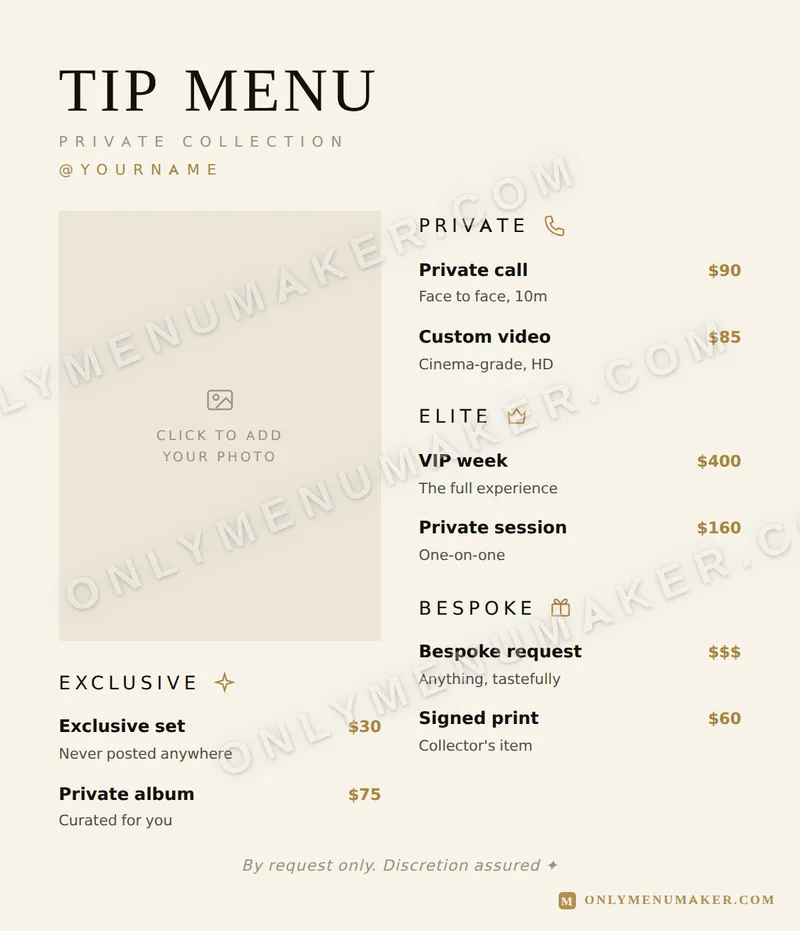 Quiet Luxe
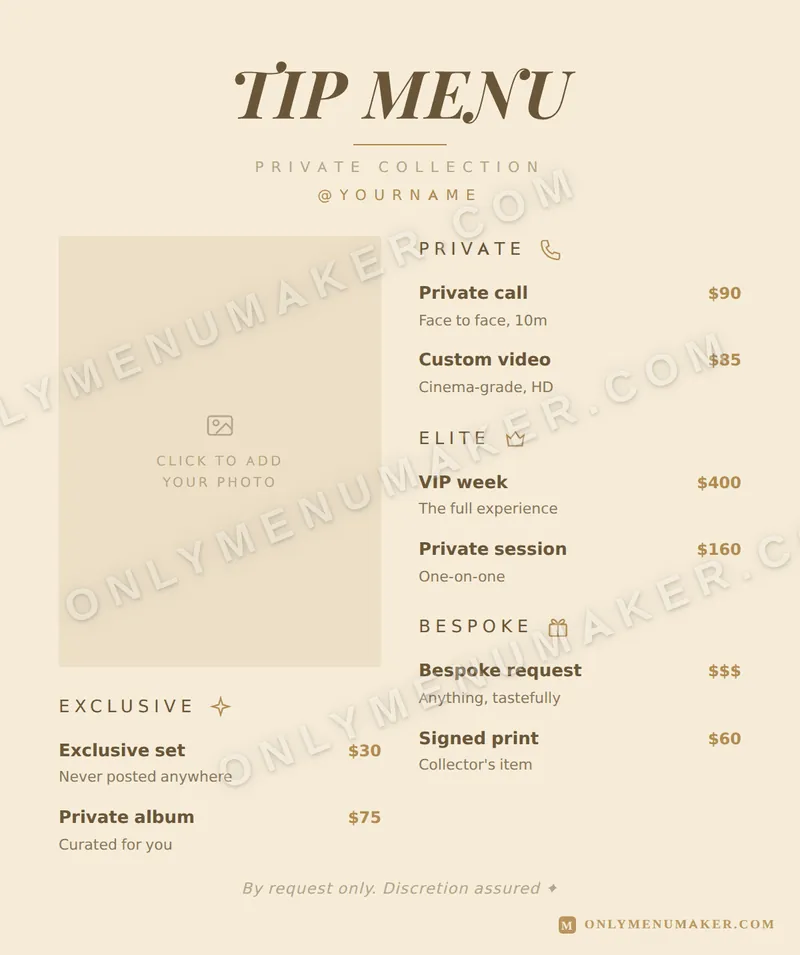 Champagne Toast
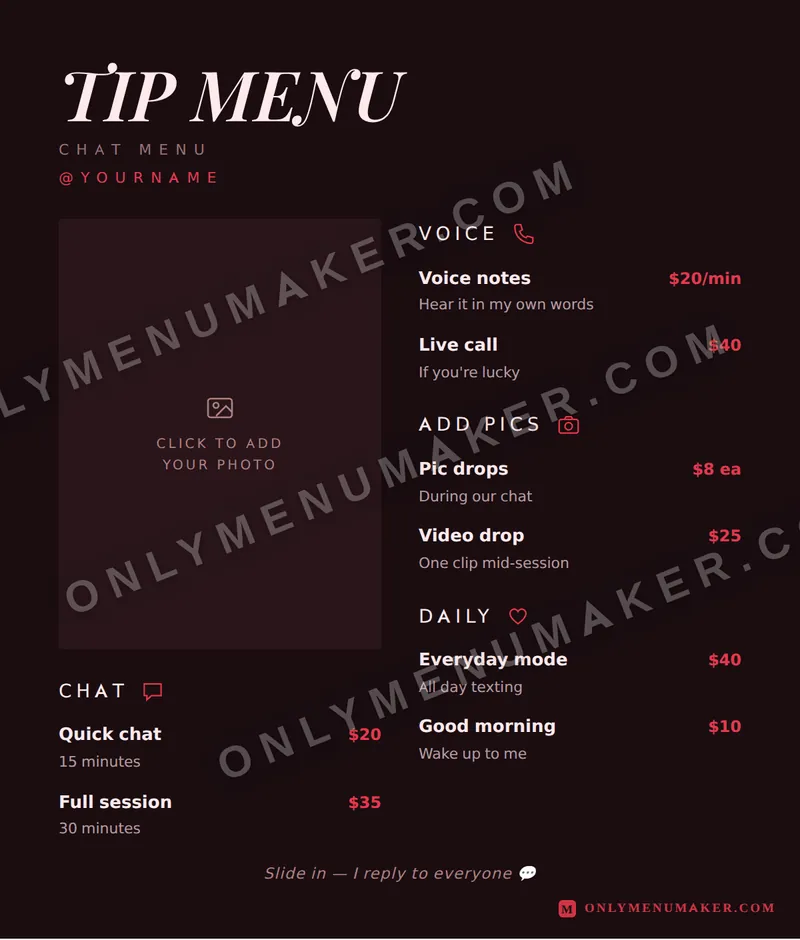 Crimson Velvet
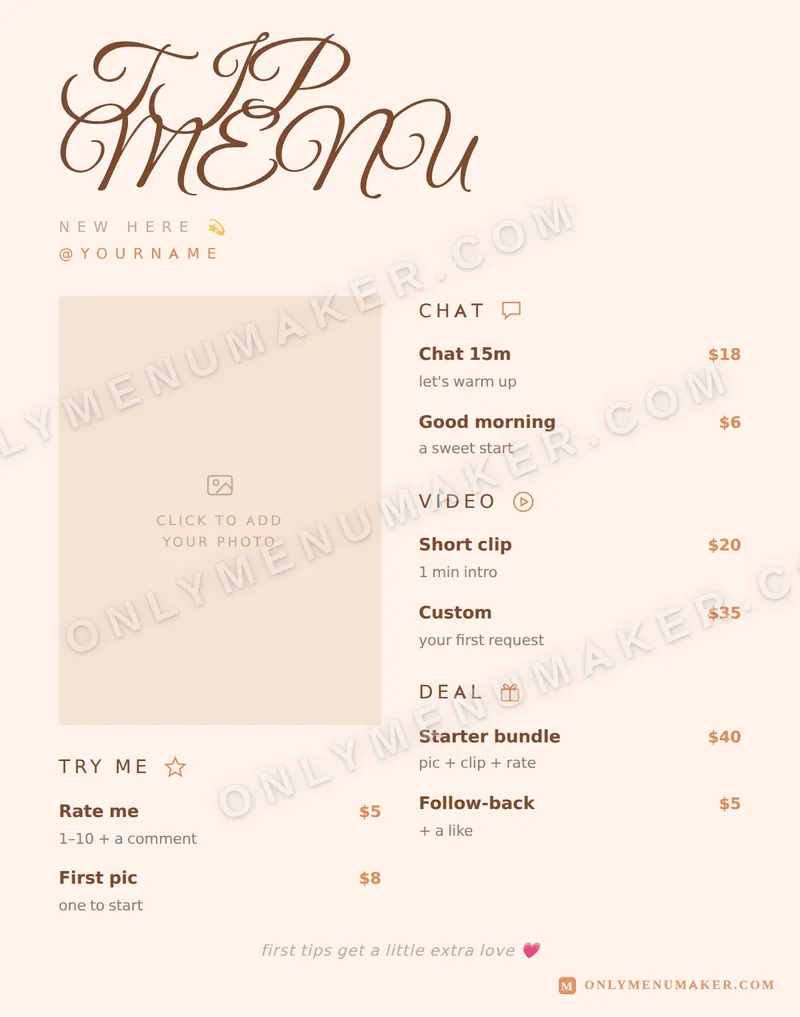 Sweet Thing