Home › Fansly Tip Menu Maker
For Fansly creatorsMake a Fansly tip menu in a couple of minutes — pick a template, set your own items and prices, download it as an image. Below, the part most guides skip: how a tip menu should be built around Fansly’s tiers rather than competing with them.
Open the free editor → Browse 114 templates
Every template below is pre-filled and free to edit — change the words, the prices and the photo, then download it.
The structural thing that separates Fansly from a single-subscription platform is tiers. You can run several paid levels alongside free following, and each tier already promises a bundle of access. That changes what a tip menu is for.
On a single-subscription page, the menu carries everything: the subscription gets you in the door and the menu sells every extra. On a tiered page, your tiers are already selling bundles. If your menu then lists the same things your $20 tier includes, you have created a choice between two of your own products — and the usual result is that people buy neither, because working out which is better value is work.
Sort every item you offer by one question: does this exist before anyone pays for it?
This split also stops the most expensive mistake on tiered platforms: promising customs inside a subscription tier. A tier is unlimited-use by nature, but your time isn’t, and a tier full of custom work becomes unprofitable the moment it succeeds.
Because Fansly lets people follow for free, you effectively have two audiences with different information needs, and one image cannot serve both well.
Both take about a minute each in the editor — build the full one first, then duplicate it and cut it down for the free side.
Two adjustments matter on Fansly specifically:
The general framework — entry, core, premium anchor — still applies. It’s covered properly in how to price your tip menu.
A menu nobody sees earns nothing, and this is where most of the loss happens. Three placements do the work:
Most creators on Fansly are running it alongside something else, and the instinct is to post the identical menu on both. Keep the items the same — consistency is good, and remaking a menu per platform is wasted effort — but change two things:
The editor saves your handles, so making a second version is a matter of swapping one field and re-downloading.
Editing is free and needs no account, and watermarked downloads are always free. A free account also gets one clean HD download to try. After that a single clean download is $5, and unlimited clean HD is $7 a month or $49 a year.
No. The templates already carry the layout, the price ladder and the spacing. You click on text to change it and click a slot to add your photo — nothing moves out of alignment when you edit.
That is what most of the guide above is about. Build the full menu for subscribers, then duplicate it and cut it down for free followers.
Yes. Keep the items, change the handle on the image, and adjust the structure if the other platform does not use tiers.
Pick a template, set your own items and prices, add your photo, and download it as an image. Free to edit, and watermarked downloads are always free — $5 for a single clean HD download, or $7/month or $49/year for unlimited.
Make my tip menu → OnlyMenuMaker
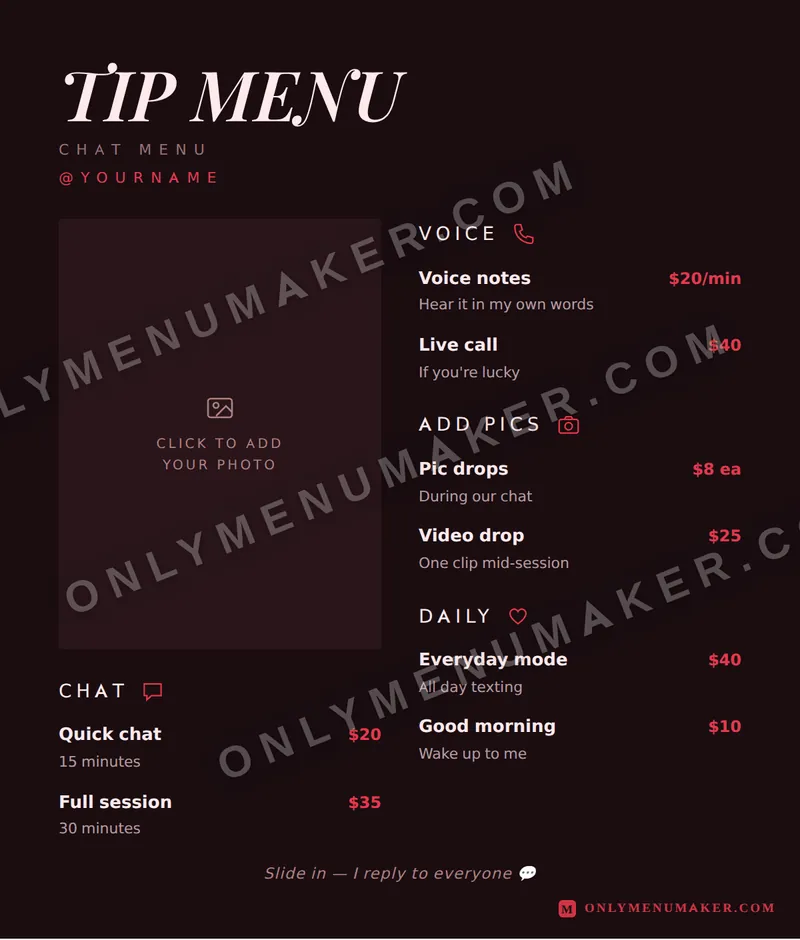 Crimson Velvet
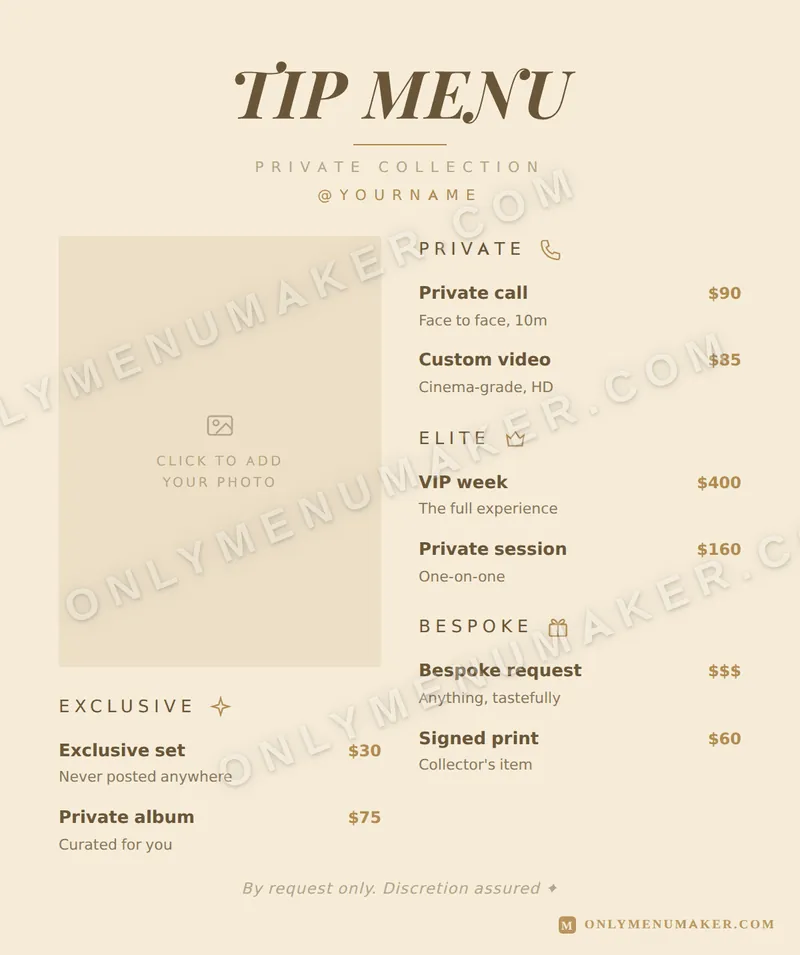 Champagne Toast
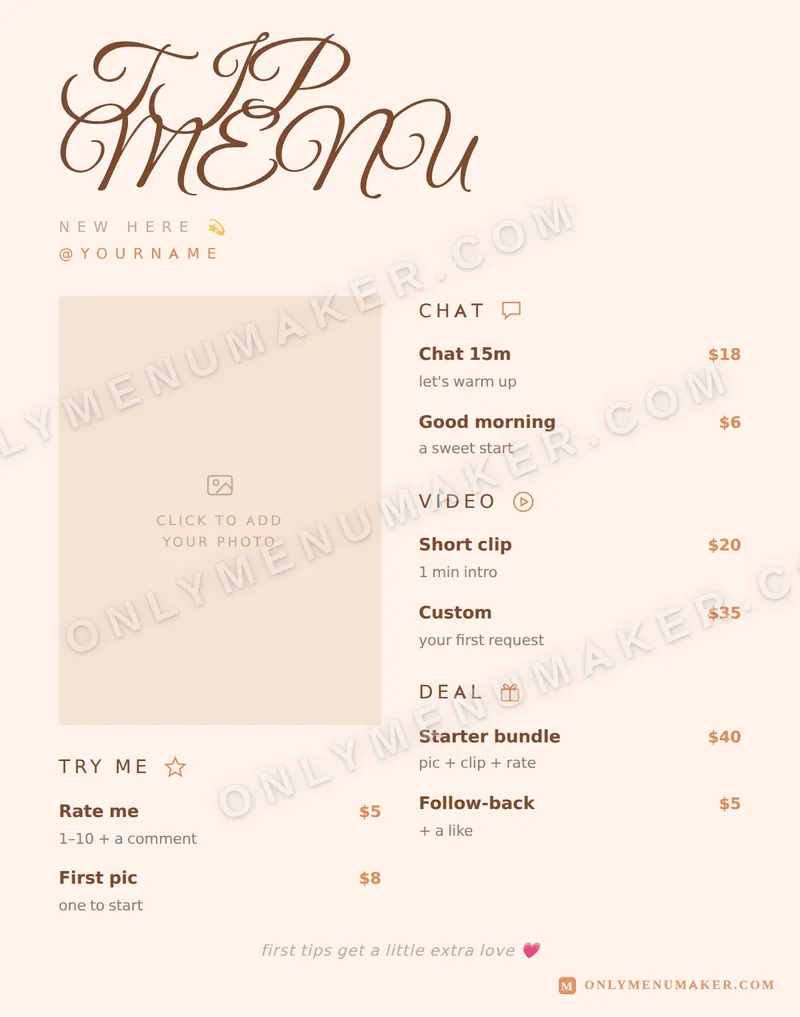 Sweet Thing
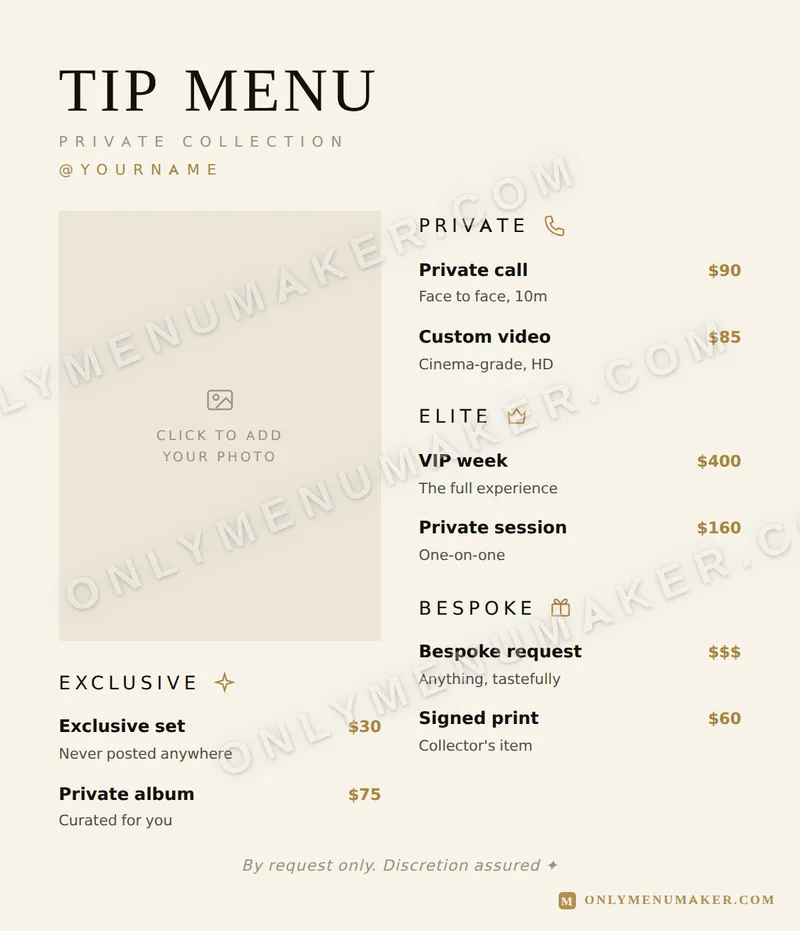 Quiet Luxe