Home › Fanvue Tip Menu Maker
For Fanvue creatorsMake a Fanvue tip menu free — pick a template, set your own prices, download the image. Below, the thing that actually decides whether it earns: a menu for a page you’re still building has to work differently from one on an established page.
Open the free editor → Browse 114 templates
Every template below is pre-filled and free to edit — change the words, the prices and the photo, then download it.
Most tip menu advice quietly assumes a large audience. With thousands of subscribers, a $10 item that converts at one percent is real money, so the standard advice — lots of cheap items, optimise for volume — works.
If you’re building on Fanvue, that assumption usually doesn’t hold yet, and copying volume-optimised advice is why menus on newer pages feel like they do nothing. With a smaller audience, average order value does the work that volume can’t. Ten subscribers spending $60 beats four hundred subscribers who never get past a $5 item.
That’s eight or nine items. Resist adding more — a longer menu converts worse, and on a small page you cannot afford the hesitation.
When every subscriber is precious, the welcome message is the highest-value thing you control. Someone has just paid you and is, for a few seconds, actively looking for what to do next. That is the single best moment your menu will ever get.
Send the menu image there, and put one line above it naming a specific item rather than describing the menu. “Most people start with a custom clip — $45” converts better than “here’s my menu, let me know!”, because it removes the decision instead of handing it over.
Plenty of people arrive at Fanvue while still running a page elsewhere. Two things worth knowing:
On a small page the totals are too noisy to judge anything, so look at two things instead:
Change one thing at a time and give it a couple of weeks. The 10 tip menu mistakes guide covers the usual culprits.
Editing is free and needs no account, and watermarked downloads stay unlimited. A free account gets one clean HD download to try; after that a single clean download is $5, and unlimited clean HD is $7 a month or $49 a year.
A high-resolution PNG, sized to stay sharp in a feed or a DM rather than going soft when the platform re-compresses it.
Yes — click any photo slot and upload. The image is processed in your browser and is only stored if you choose to save the menu to your account.
Eight or nine, in the shape described above. Longer menus convert worse, and that costs more on a page with a smaller audience.
Pick a template, set your own items and prices, add your photo, and download it as an image. Free to edit, and watermarked downloads are always free — $5 for a single clean HD download, or $7/month or $49/year for unlimited.
Make my tip menu → OnlyMenuMaker
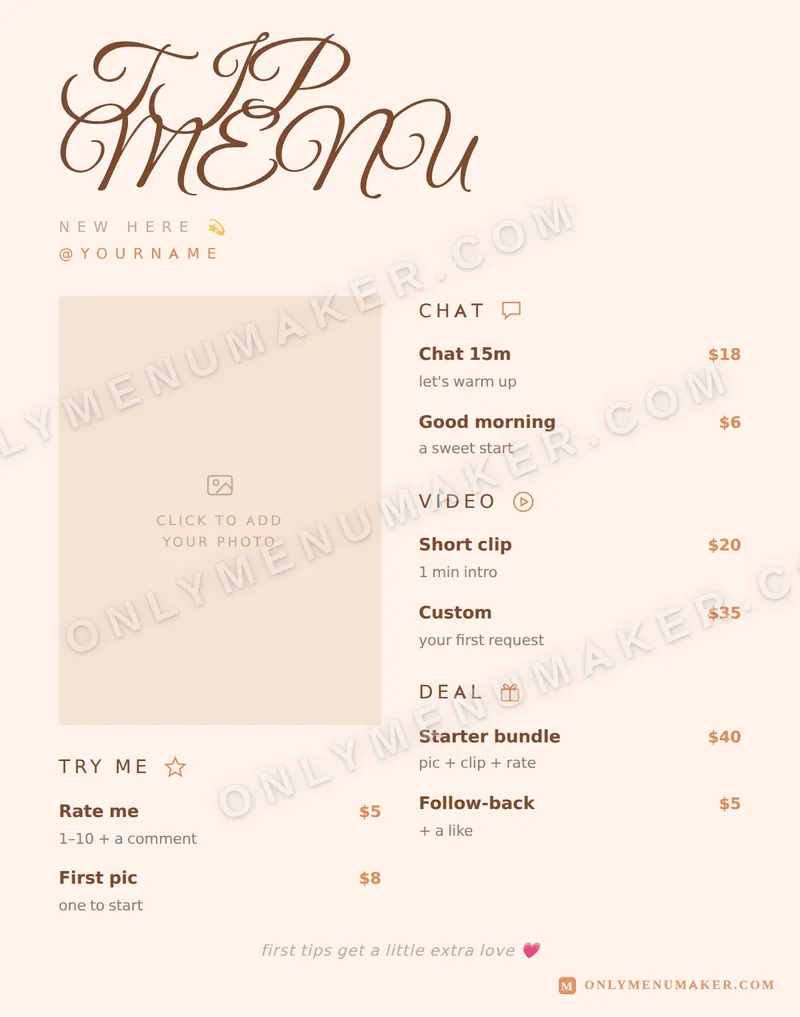 Sweet Thing
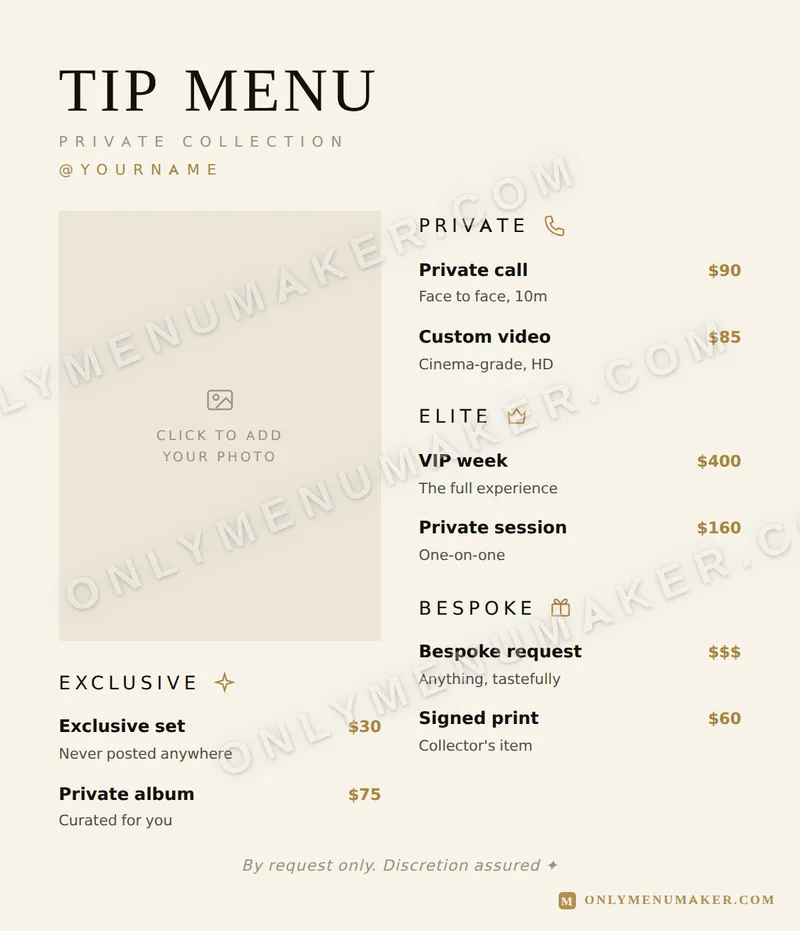 Quiet Luxe
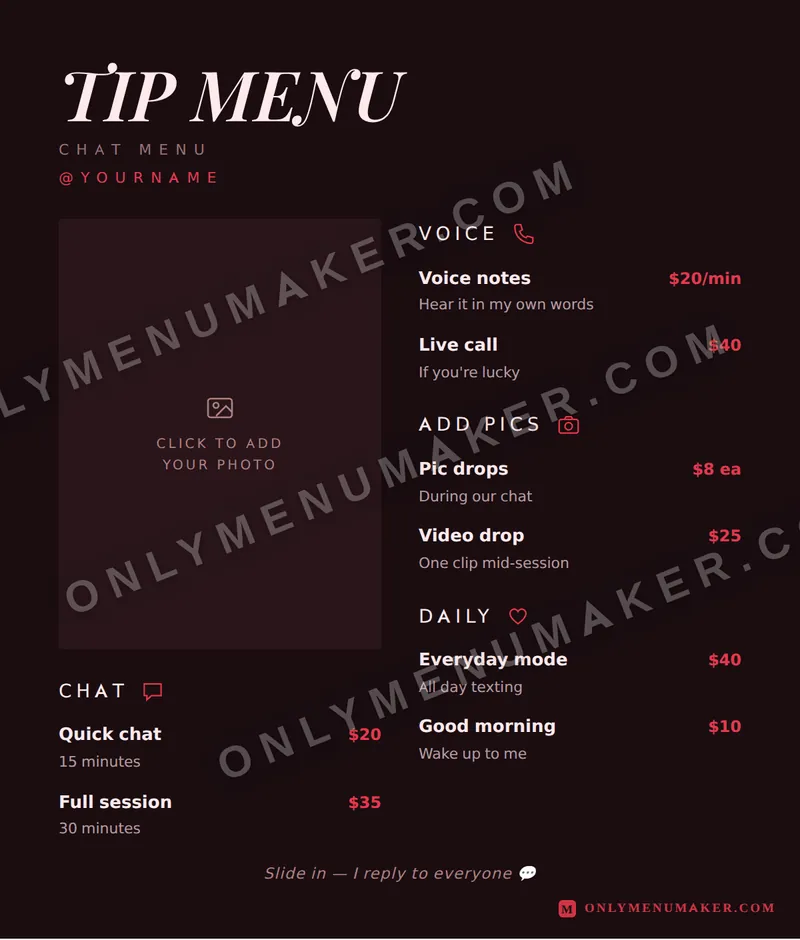 Crimson Velvet
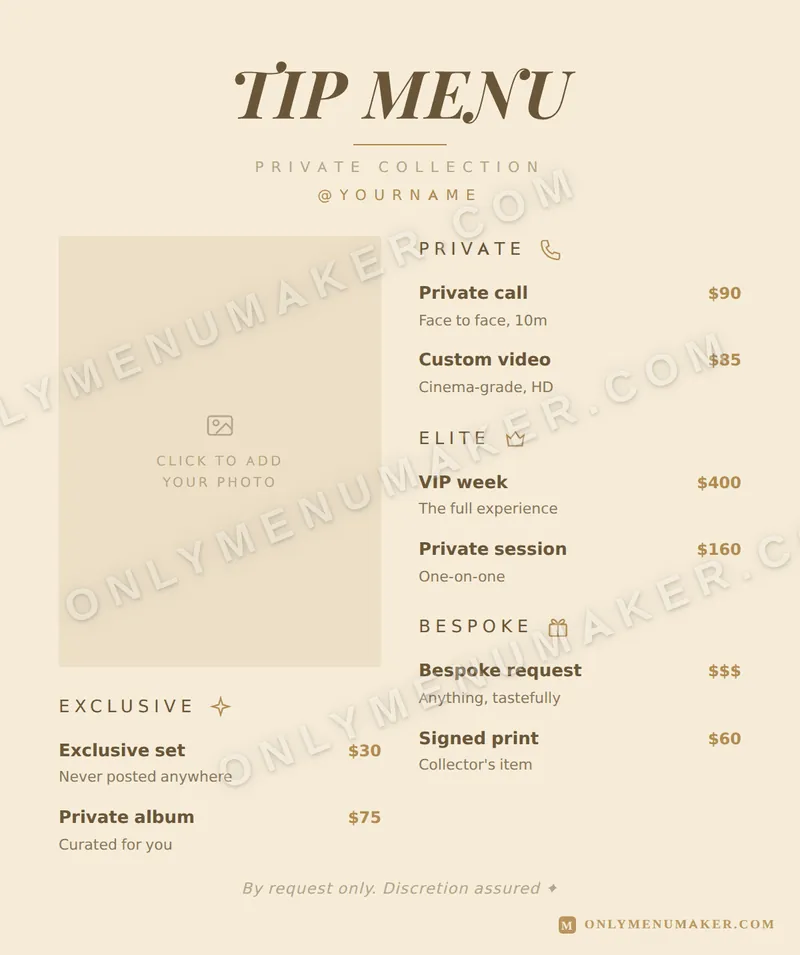 Champagne Toast